
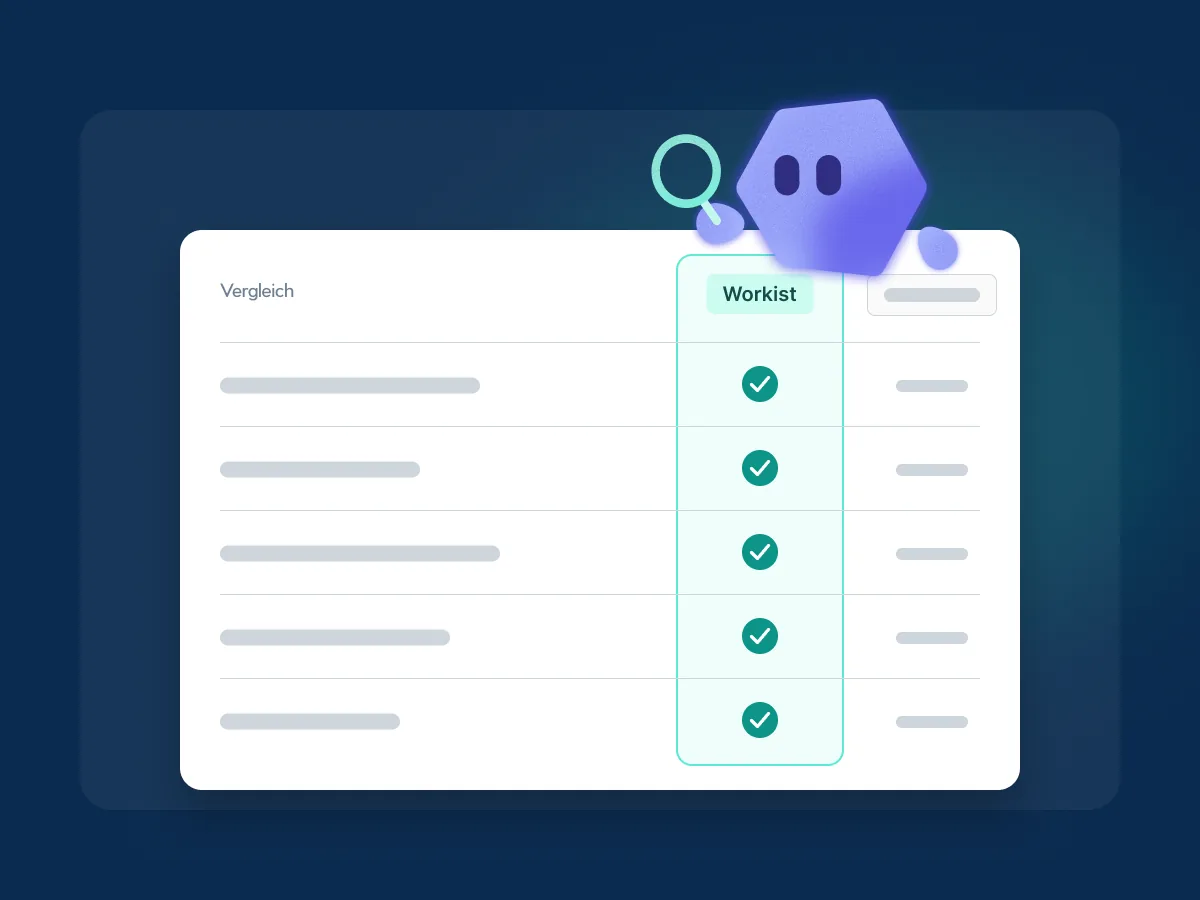
200+ industry leaders trust Workist


Workist is built for orders, inquiries and lists of services from manufacturers and wholesalers, from the inbox to the ERP.

The Voice Agent answers calls from customers and field sales and transfers the order to the ERP. turian does not list a phone channel.

Workist lists more than 40 ERP integrations and backs them with customer projects. turian’s integrations page marks all listed systems as “Coming soon”.

For purchasing processes, turian is a natural choice, for example for order confirmations and supplier communication.
Workist reads orders with AI, matches items, prices, quantities and terms against your master data and passes unclear cases to your team. turian offers this too, both work without a template per customer layout and both are based in Germany. The difference lies in the focus: Workist is built for the sales back office of manufacturers and wholesalers, while turian builds a separate agent per process for sales and purchasing.
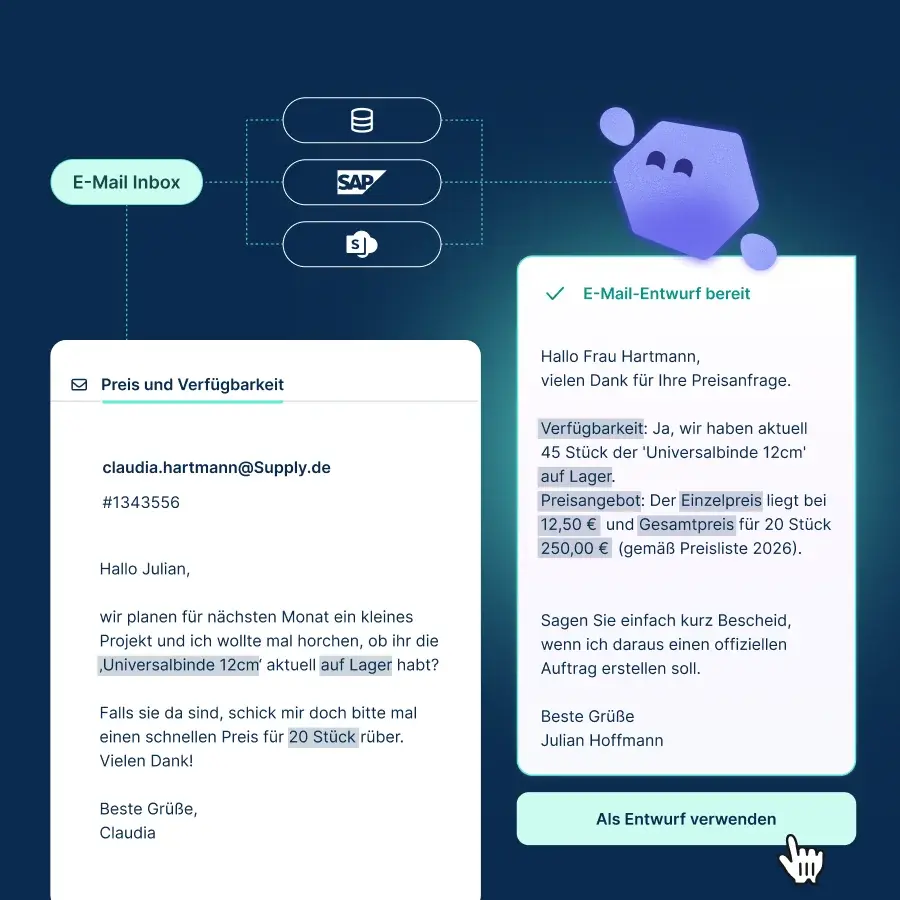
Workist is tailored to the sales back office: orders, inquiries and lists of services. The Inbox Agent reads incoming emails, recognizes the request and prepares draft replies.
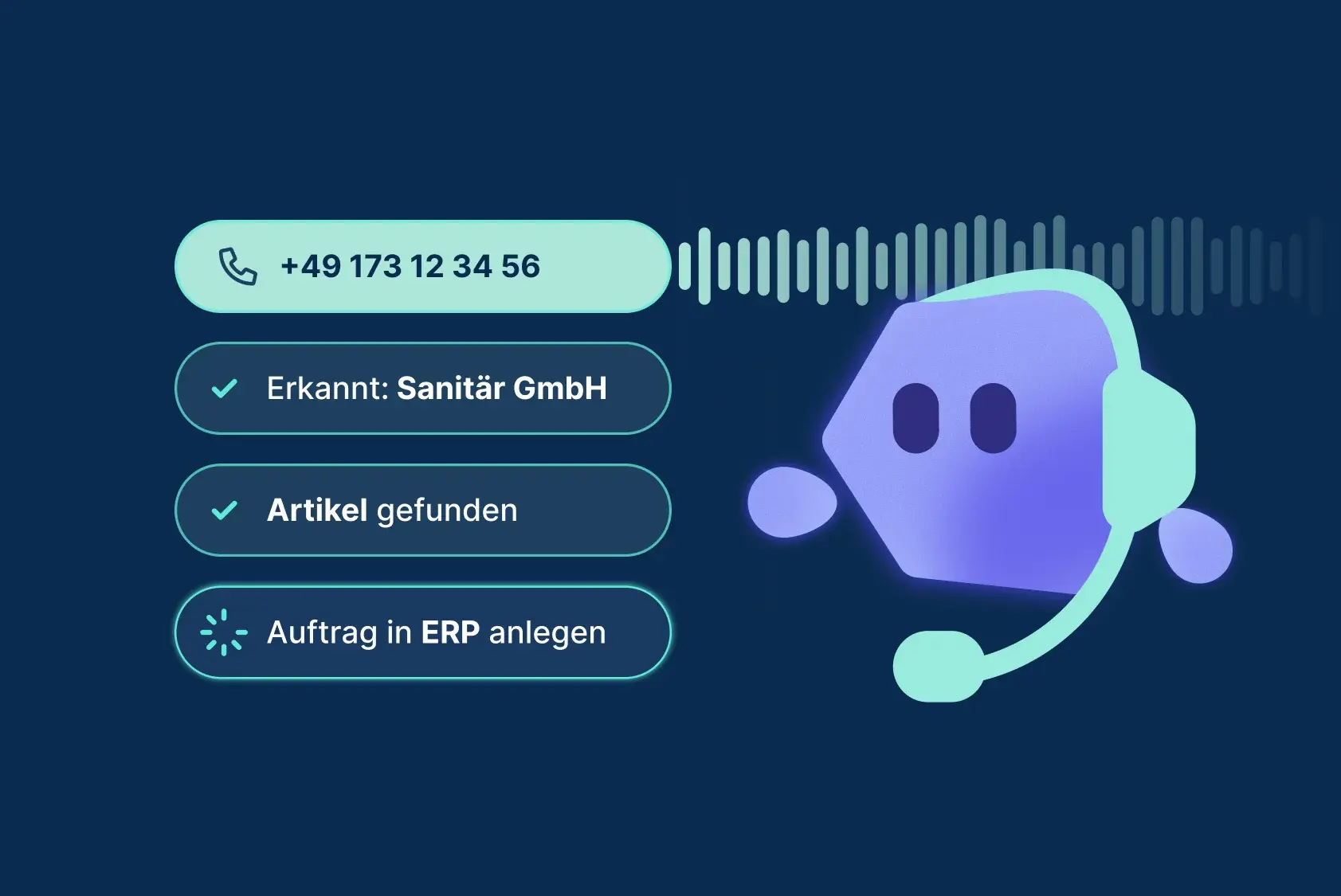
The Voice Agent takes phone orders from customers and field sales, even outside business hours. The order then lands in the ERP.
More than 40 ERP systems are connected, from SAP to Microsoft Dynamics to Sage, each via native API, file interface or middleware such as Lobster.

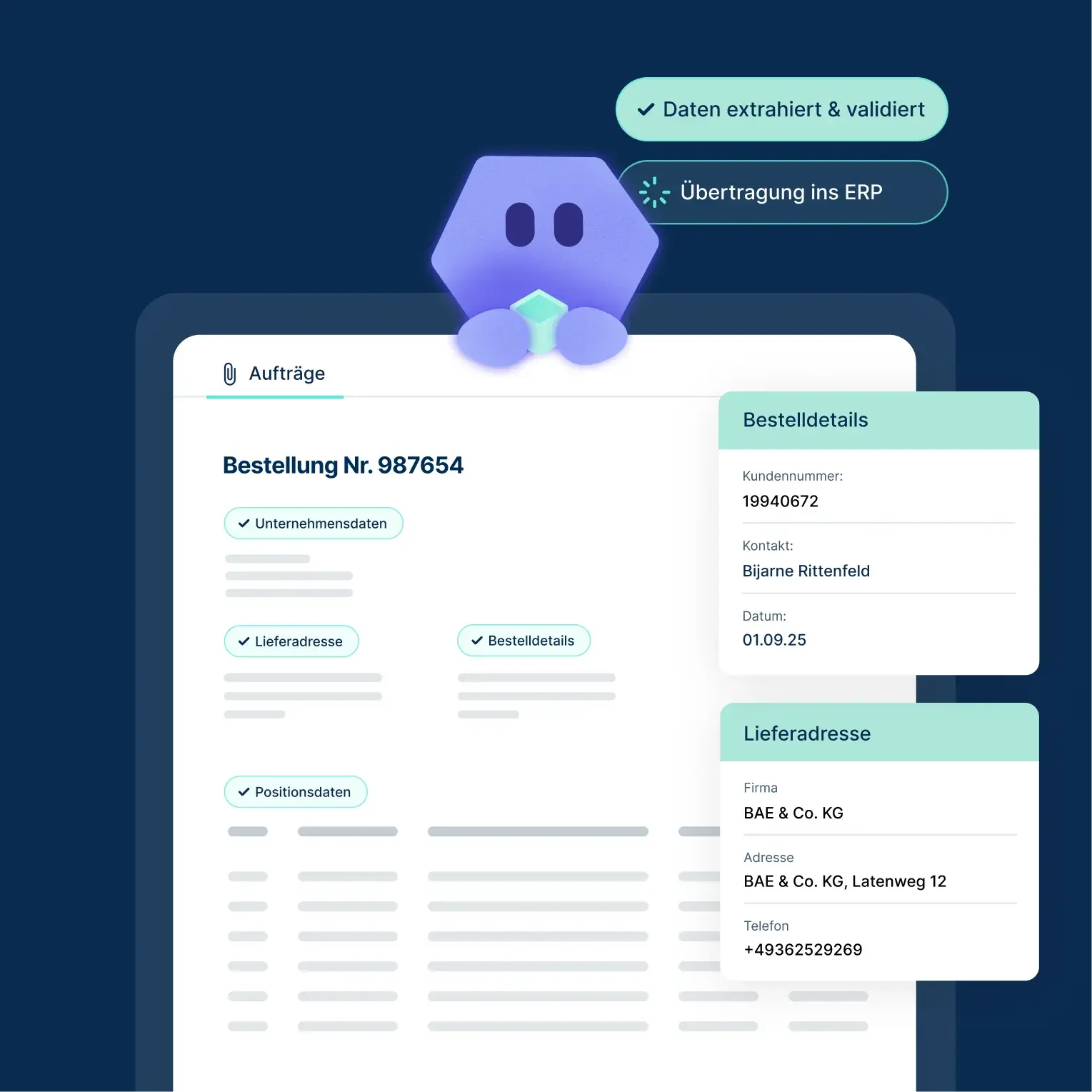
Workist is live after 30 days on average, often faster with the standard ERP connectors. Unclear cases go to your team for approval, and only checked orders are posted.
A customer orders for the first time, in their own format. Workist reads the document and creates the order in the ERP in five steps.
A customer orders for the first time, in their own format. Workist reads the document just as it arrives.
Workist reads header and line items in context. If the quantity sits in the footer, the model still finds it.
Workist maps customer descriptions to your item numbers and checks prices and terms against the ERP.
Clear orders go straight through. If a line item remains open, Workist asks a targeted question and remembers the answer for this customer.
Workist creates the sales order. From this supplier's second document onward, the process runs without questions.
We take orders from your own order mix and show you the hit rate.