
OMR Reviews • 4.8 ★
SAP Partner
200+ industry leaders trust Workist


Used by more than 50 SAP S/4 and ECC customers, including:
Inside sales teams type orders line by line into SAP. It doesn't scale, costs time, and produces errors in the ERP.
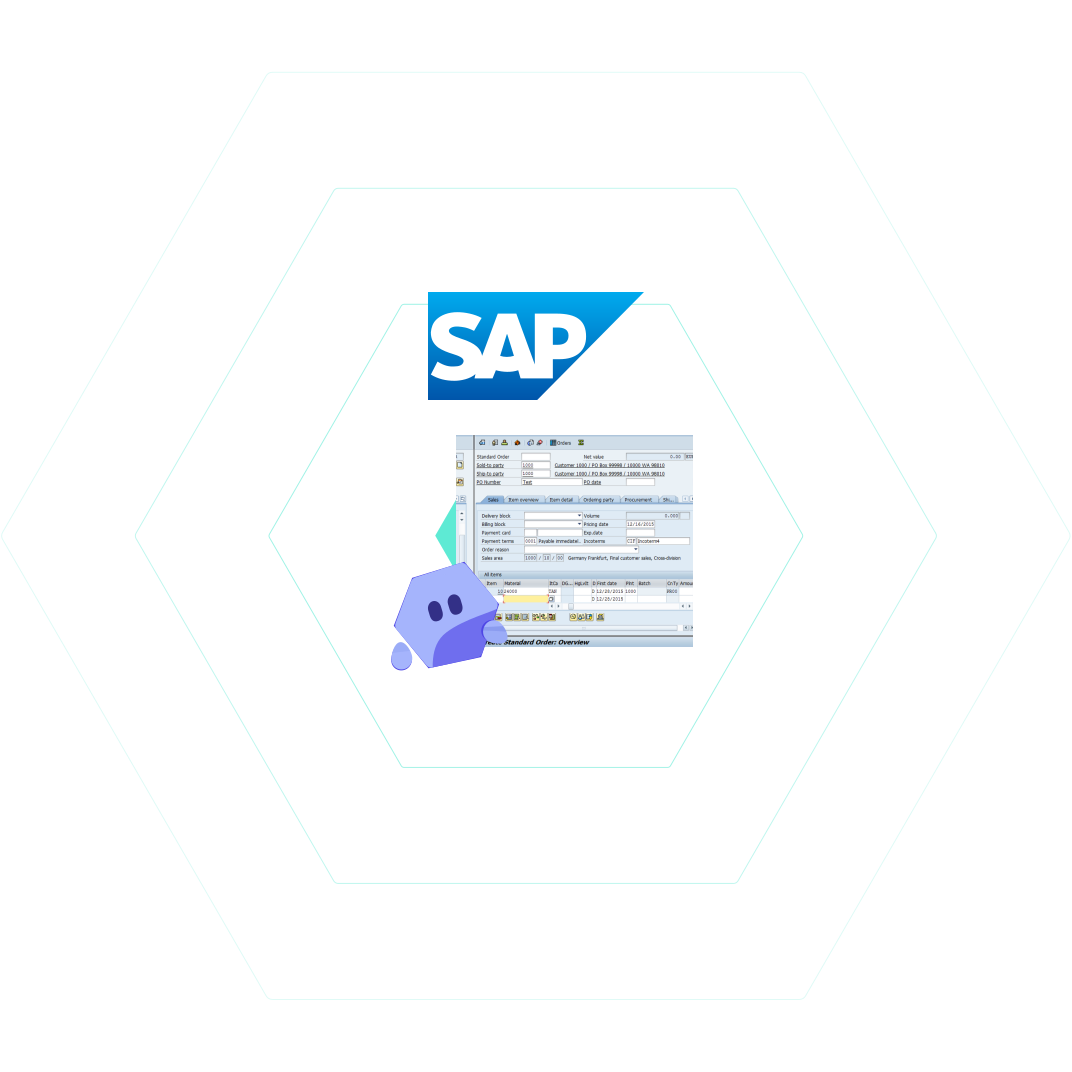
End-to-end SAP sales order processing workflow. From inbox to posted SAP sales order, no manual rekeying.
Orders arrive by email, PDF or EDI. Workist ingests them automatically, no per-supplier template training.
The AI agent extracts every line item and validates it against your SAP customer and item master data.
Structured sales orders are written directly into SAP S/4HANA or R/3 (ECC) via BAPI.
Anything unclear is routed to your team for review. Nothing is posted blind.
One Workist connection, multiple SAP editions. Push/pull communication over HTTPS, outbound connections from the tenant are enough.
Z-program package co-developed with SAP partner Syncwork, deployed via transport request into your S/4 tenant. Master data is sent to Workist via push API, sales orders created via BAPI. Outbound HTTPS connections only (SM59) from the tenant.
Alternative: Custom integration via iDoc, BTP, PI/PO or your EDI layer.
Same Workist architecture as S/4HANA. Z-programs in customer namespace, master data sync via SM36 background job, sales order creation via BAPI_SALESORDER_CREATEFROMDAT2. Includes maintenance contract with Syncwork and standard SLAs.
Alternative: Custom integration via iDoc (ORDERS05), PI/PO or your EDI layer.
API-based via the Public API. Cloud-native integration with no on-premise components.
Alternative: Custom integration via BTP / Integration Suite or CPI flow.
Four concrete impacts once Workist takes over your SAP order processing.
Instead of typing in VA01, the agent posts full SAP sales orders with all line items in seconds. Peak demand becomes routine, not a bottleneck.
Master data lookup against SAP customers and items prevents quantity, pricing and address errors before they reach the ERP.
Workist scales with your order volume. Growth doesn't require additional inside sales FTEs for order entry.
Inside sales handles only exceptions and customer requests. Routine goes to the agent, demanding work stays with people.

"Workist has changed our day-to-day order processing. Suddenly the team has time to focus on other, more demanding and value-adding tasks. We now have the opportunity to focus on things that simply had no space in the past."
Turnkey through Workist and our SAP partner Syncwork. Or via your existing EDI, iDoc, BTP or Process Integration infrastructure. You decide, we deliver.
Workist delivers the SAP integration turnkey. ABAP development is handled by our SAP partner Syncwork. You don't need to make any changes in your SAP system.
Already have an established integration layer? No problem at all. Workist delivers structured data to your existing setup. Your integration team processes it through your standard pipeline.
Workist meets the highest security and data protection standards. EU hosting, SOC 2 Type II certified, GDPR-compliant.
The connection to your SAP system runs through the Z-program package co-developed with Syncwork. Communication exclusively over outbound HTTPS connections from your tenant.
EU hosting in Frankfurt. SOC 2 Type II certified. Data processing agreement available.
All data processed and stored in accordance with EU data protection regulations. No data transfer to third countries.
Z-program package co-developed with SAP partner Syncwork in customer namespace. Maintenance contract with standard SLAs.
Customer data is never used to train external AI models. Processing exclusively for you.
Multi-tenant architecture with clear isolation between customers. Only you have access to your data.
Single sign-on and two-factor authentication for secure access to your Workist Workbench.
The questions SAP prospects ask most often about the Workist integration.
SAP S/4HANA and SAP R/3 (ECC) are supported in production. For S/4HANA Public Cloud, integration via the Public API is coming soon. Cloud and on-premises are supported in parallel for S/4HANA and ECC.
Workist creates structured SAP sales orders through the connector. For S/4HANA and ECC, this runs through the Z-program package co-developed with SAP partner Syncwork using push/pull. Sales order creation goes through BAPI_SALESORDER_CREATEFROMDAT2.
Workist reads customer and item master data from the SAP tenant for validation. Completed sales orders flow back into SAP through the agreed channel (Syncwork package for S/4HANA and ECC).
No. ABAP development is handled by our SAP partner Syncwork. The Workist package is deployed via transport request into your tenant. You don't need to make any changes in your SAP system. Communication runs exclusively through outbound HTTPS connections (SM59), no modifications to the SAP core.
Both. S/4HANA and ECC are supported in cloud and on-prem. For S/4HANA Public Cloud, the API-based integration is coming soon.
Typically a few weeks. Standard is a 5-phase rollout: kickoff, master data alignment, output format configuration, end-to-end test with SAP import, final adjustments. Six weeks is typical, depending on customer-side IT availability.
EU hosting. SOC 2 Type II certified, GDPR-compliant, data processing agreement available. Master data is read for validation only, never shared with third parties.


