
OMR Reviews • 4.8 ★
SAP Partner

200+ industry leaders trust Workist


The agent reads incoming orders and inquiries, verifies them, and processes them automatically. If any details are unclear, it will reach out to your team for clarification.
In this video, Alexander Müller, founder of Workist, demonstrates how the agent reads an incoming PDF, cross-references it with customer and material master data via a master data sync, and posts the completed sales order directly into SAP R/3 (ECC)—including the SAP order number within the Workist document.
Workist automates both processes directly within your SAP R/3 (ECC) system, as currently deployed by German industrial clients.
PDF orders are read, validated against customer and material master data, and posted as SD orders in SAP R/3 (ECC) via BAPI_SALESORDER_CREATEFROMDAT2, including customer-specific materials and pricing conditions.
Price inquiries are extracted in a structured format, validated against the customer and product master data, and created as quotations in the SD module.

"Workist has transformed our daily order processing. Suddenly, the team has the time to focus on other demanding, value-added tasks that there was simply no room for in the past."
From inbox to booked SAP order, without a single keystroke.
Orders arrive via email, PDF, or EDI. Workist processes them automatically without the need to train templates for each customer.
Workist reads every line item and validates it against your customer master (KNA1) and material master (MARA) in SAP ECC.
Workist creates the SD order directly in SAP R/3 (ECC) using BAPI_SALESORDER_CREATEFROMDAT2 and references the SAP order number in the Workist document.
Workist flags unclear cases for your team to review. Only verified data is posted.
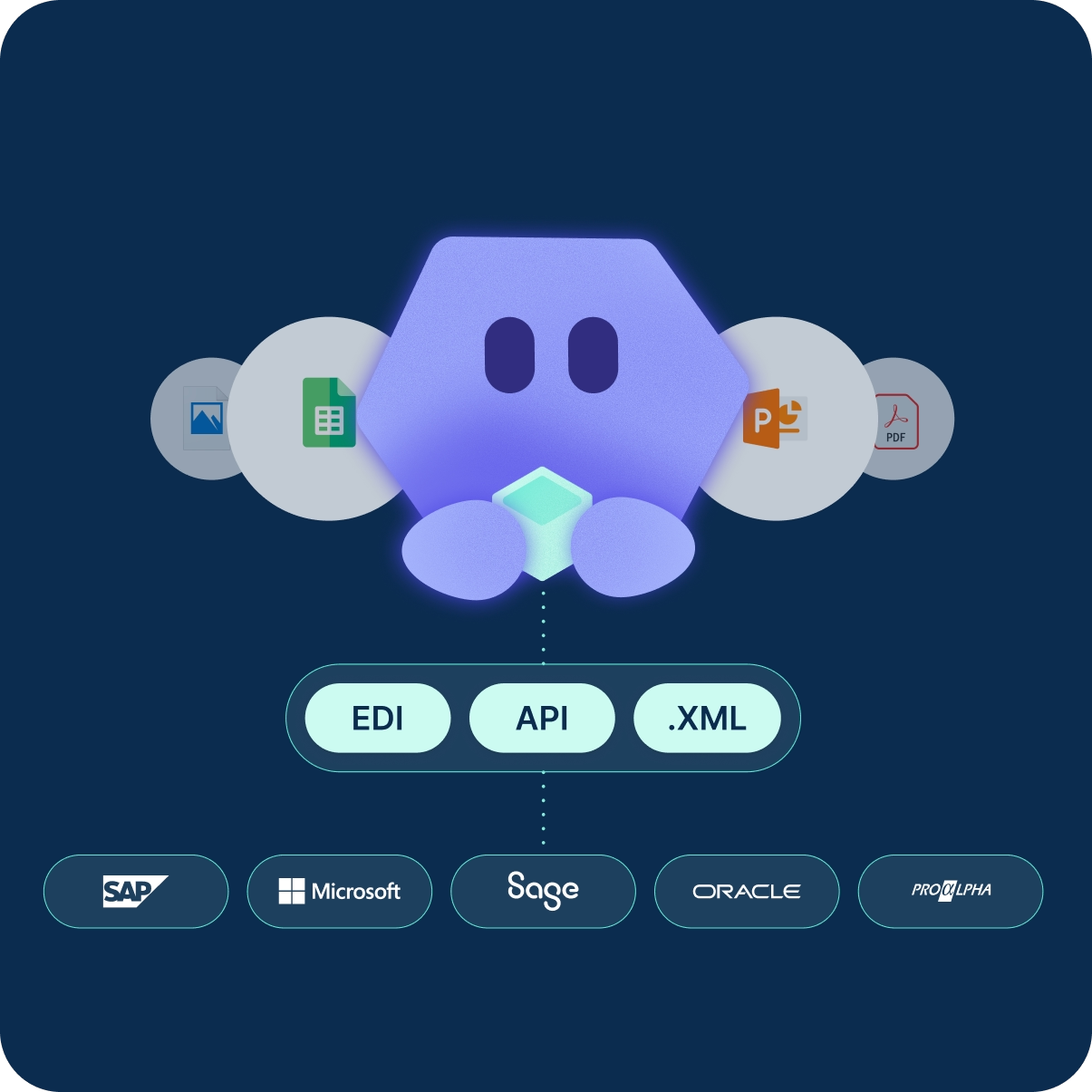
Turnkey via Workist and our SAP partner Syncwork, or via your existing EDI, iDoc, or process integration infrastructure.
Workist delivers the ECC integration turnkey. ABAP development is handled by our SAP partner Syncwork. You don't make any changes in your ECC system.
Already have an established integration layer? No problem at all. Workist delivers structured data to your existing setup. Your integration team processes it through your standard pipeline.
Four things that change once Workist takes over your ECC order processing.
Instead of VA01, Workist processes complete SD orders with all line items in seconds, even during peak loads.
Cross-referencing with the customer and material master data in SAP ECC catches errors in quantity, terms, and addresses before they reach the ERP system.
Workist scales effortlessly, no matter how many orders come in. Your team stays exactly the size it is today.
Your team only handles exceptions and customer inquiries. Workist takes care of the routine.
Frequently asked questions about connecting to ECC.
SAP ERP 6.0 with all enhancement packages (EHP 6, 7, 8), cloud-hosted or on-premises. In the event of a later S/4HANA migration, the Workist connection will continue to run without any changes.
Workist books the SD order using the Z-program package developed with SAP partner Syncwork in the customer namespace. Data is exchanged via HTTPS push/pull, and creation in the SD module is handled by BAPI_SALESORDER_CREATEFROMDAT2.
Workist reads customer master data (KNA1) and material master data (MARA) from your ECC client to validate incoming documents. The master data sync runs automatically as an SM36 background job. Workist then automatically writes the completed sales orders back to ECC.
No, you do not need any custom code or ABAP in your ECC. Our SAP partner, Syncwork, handles all ABAP development. The Z-program package is imported into your ECC client via a transport request, leaving the SAP core untouched. Communication takes place exclusively via outbound HTTPS connections (SM59 destinations).
Yes, the Workist integration remains fully functional after migrating to SAP S/4HANA. The integration is fundamentally the same for both ECC and S/4HANA, with only minor adjustments required for the respective data models. During the migration, our SAP partner Syncwork will redeploy the custom program package in your new S/4 environment, ensuring your Workist setup remains intact.
An ECC integration with Workist typically takes a few weeks and follows five phases: kickoff, master data alignment, configuration of document types and sales organizations, end-to-end testing with ECC import, and final adjustments. Six weeks is standard, depending on your team's IT availability.
Workist reads incoming orders from emails or PDFs, validates them against your customer master (KNA1) and material master (MARA) data, and automatically creates them as SD orders in SAP ECC using BAPI_SALESORDER_CREATEFROMDAT2. Any ambiguous cases are routed to your team for review and approval.
Workist replaces traditional EDI connections. Instead of building your own EDI infrastructure, you can simply ingest incoming orders via email or PDF. Workist automatically validates them against your customer and material master data and creates them as SD orders in SAP ECC.
Your data is stored by Workist within the EU in Frankfurt. Workist is SOC 2 Type II certified, operates in compliance with GDPR, and a data processing agreement is in place. Master data is read solely for verification purposes; it is neither shared with third parties nor used for AI training.


