OMR Reviews • 4,8 ★

150+ industry leaders trust Workist

80%
lower error rate
90%
time savings
>3 Mio
successfully processed documents

Accurate sales order data entry in record time

Is your sales department still typing up orders manually to transfer them to the ERP system? We have trained our AI Agent to not only understand your individual processes - but also to optimize the entire order entry procedure directly. This allows you to concentrate fully on your customers.
Order entry automation

Capture order data automatically with speed and precision. A few clicks replace endless typing, letting your sales team scale effortlessly.

Shaping the future

With automated order entry, you can transform your order management process, setting new standards for customer service and growth.

More time for customer service

Give your team valuable time to focus on customers, strengthening relationships for lasting success.

Excellence with ease

We increase your service quality to an unprecedented level - without any additional work.

Scaling without additional effort

More orders shouldn't mean more hassle. With our AI for order entry, you scale your business effortlessly.

Turn your inbox into a proactive sales engine

The fastest path from inbox to ERP. Stop reactive data entry and start value-adding sales.
Touchless ERP entry

The AI captures orders from any email or PDF automatically. No manual entry needed = no backlog.
Intelligent validation

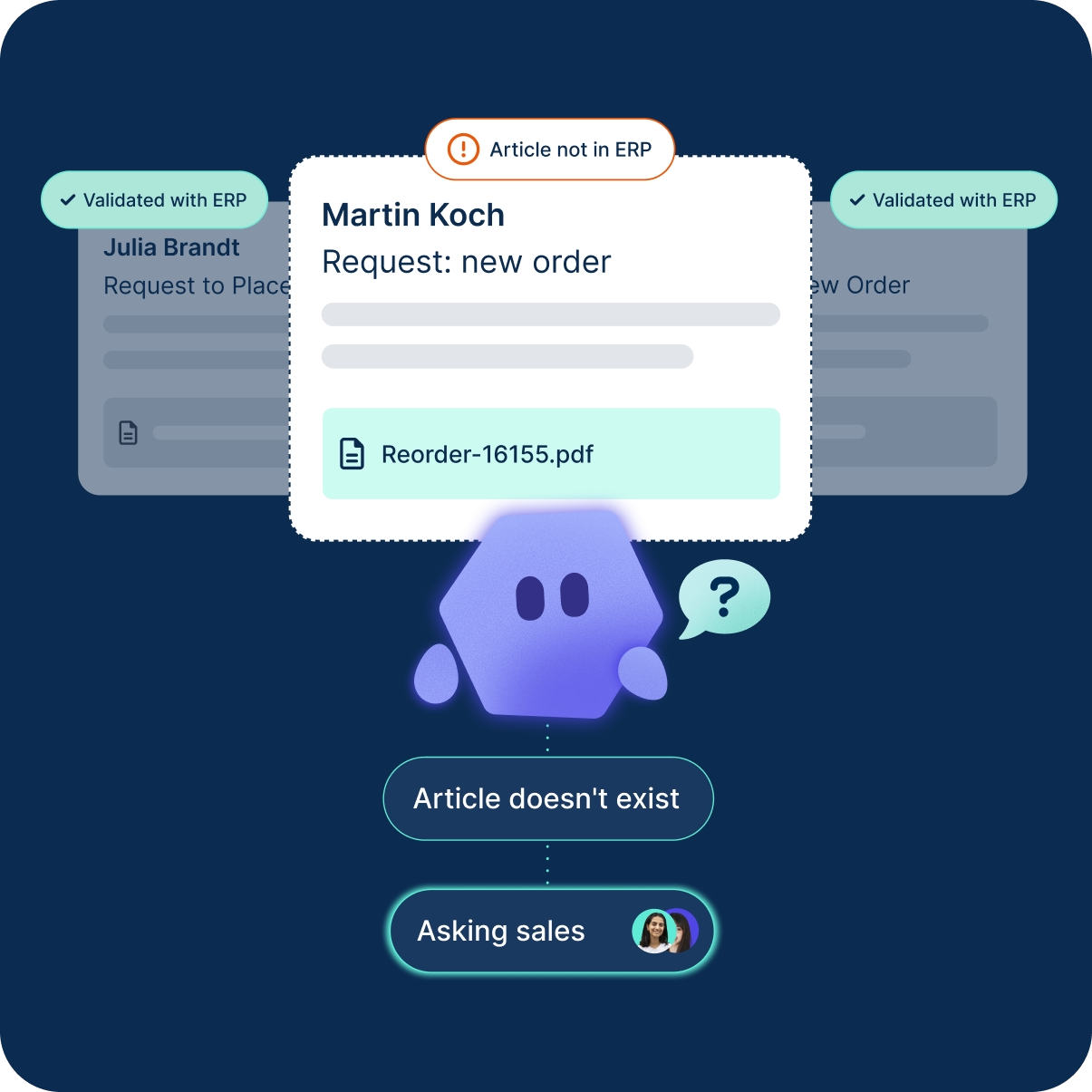
Cross-checks data against your master records, resolving manual errors before they cost you.

Proactive consultation

The agent thinks like an expert. It detects discrepancies and asks your team for a quick decision instead of making silent mistakes.

Instant ERP routing

Writes validated, structured data directly into your ERP. 100% accurate and ready for fulfillment.

Growth without hiring

Scale volume, not headcount. Handles seasonal spikes effortlessly so you never fall into the hiring trap again.

Immediate time-to-value

Delivers ROI from day one. No complex template training or IT projects needed.

Order entry automation with lightning speed and precision

Type less, automate easily. That's how it works with Workist.
Step 1

Forwarding

Incoming orders are automatically detected and pre-sorted or simply forwarded manually to the agent

Illustration showing multiple documents being forwarded towards the Workist mascot, representing the first step in the Workist workflow where documents are forwarded to Workist for processing. The mascot is positioned at the bottom right, ready to receive and handle the incoming documents. This image emphasizes the initial action of forwarding documents to the Workist system for further processing.
Step 2

Extraction

The Workist Agent understands your documents intuitively and automatically extracts all relevant data - regardless of language or layout.

Illustration of the Workist software analyzing a digital document containing company data, billing address, and line items. The Workist mascot or symbol is positioned to the right of the document, pointing towards a section labeled "Analyzing...". This image illustrates the process of business document analysis by the Workist software.
Step 3

Validation

All information that Workist captures from your order documents is validated by the AI using your master data. This is how we guarantee error-free extraction.

Illustration of the Workist software validating extracted data with the ERP's master data. A stylized Workist mascot is shown on the left, with a question mark indicating data analysis. The mascot points towards an ERP system represented by a database icon on the right, with a checkmark indicating successful validation. Below, the document sections display various data fields with checkmarks, signifying that the extracted data has been verified against the ERP's master data.
Step 4

Transfer to your ERP system

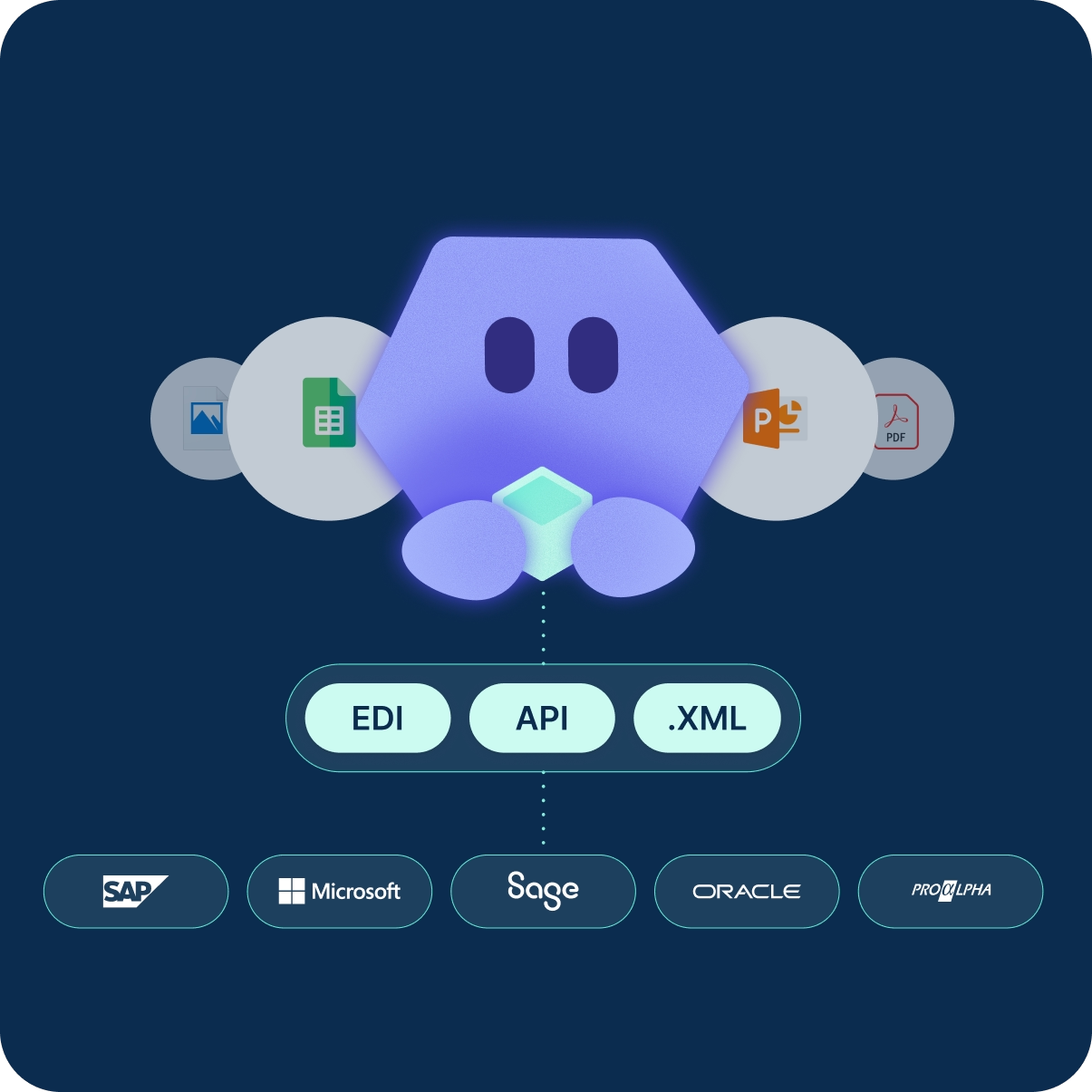
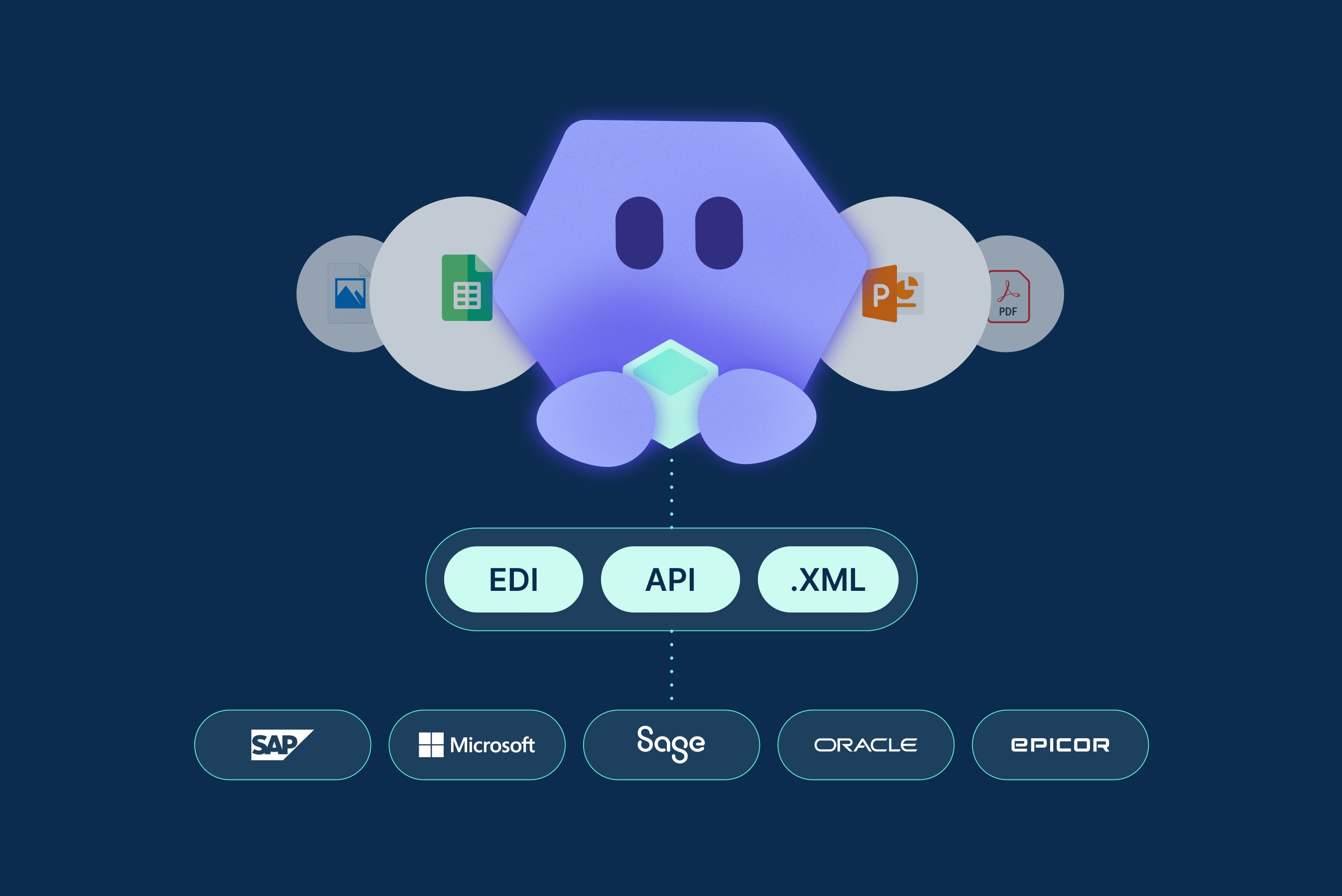
Via standard interfaces like EDI or API, the structured data is reliably transferred into your ERP system.
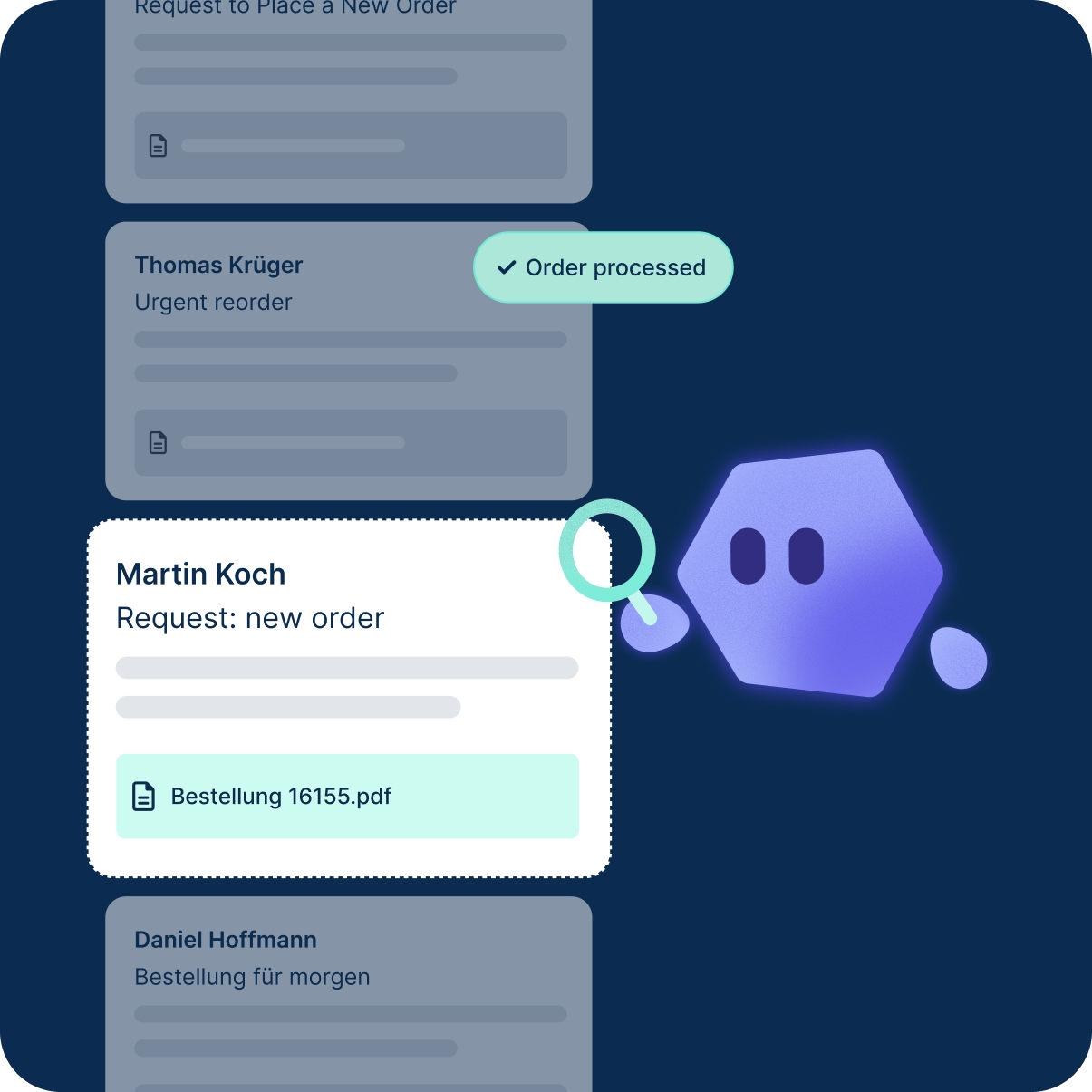
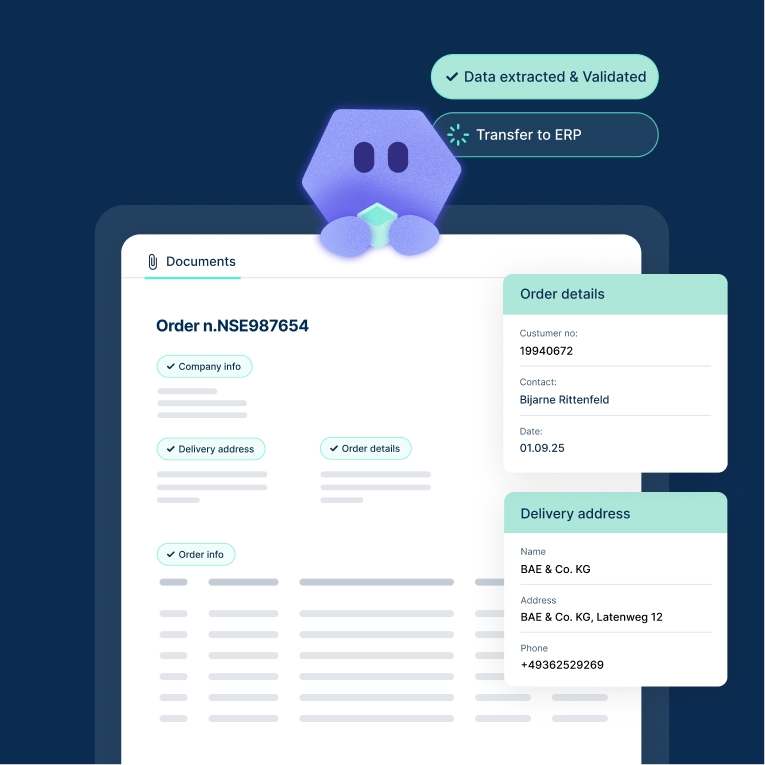
Illustration of the Workist software transferring extracted and validated data to various ERP systems. On the left, a stylized Workist mascot holds a data cube. Arrows from the mascot point to three labeled data transfer methods: EDI, API, and XML. These methods connect to logos of different ERP systems on the right, including SAP, Microsoft, Sage, PRO ALPHA, and abas ERP, indicating the integration of data into these systems.

“Workist has transformed our day-to-day work in order entry. Suddenly, the team has time to focus on other, more challenging and value-adding tasks. We now have the ability to concentrate on things for which there was no room in the past.”

Hans Peter Härle

Head of IT, Brennenstuhl

Automated order entry in action

These companies are already using the Workist Agent for order entry and can fully focus on their customers again.

Frequently asked questions

How does Workist automate order entry?
How does Workist prevent faulty orders from being transferred to ERP?
Which file formats can Workist process for orders?
What successes have other companies achieved with Workist?
What are the benefits of automated order entry?
Is Workist scalable for increasing order volumes?

Take action now

Harness the power of automated order entry! Schedule a demo today and redefine the way your business grows.
Q2 2025 OMR Top Rated Badge for Workist in the Category Intelligent Document ProcessingQ1 2025 OMR Leader Badge for Workist in the Category Intelligent Document Processing
OMR Reviews • 4,8 ★